# Dynamic Web UI
The **Dynamic Web UI** brings an entirely new level of **system visibility**, **control**, and **ease of use** to EMOS recipes. Built with [**FastHTML**](https://www.fastht.ml/) and [**MonsterUI**](https://monsterui.answer.ai/), it **automatically generates a responsive, extensible web interface** for any EMOS recipe -- eliminating the need for manual front-end work.
With zero configuration, your ROS 2 system instantly becomes a **fully monitorable and configurable web application**, complete with real-time data streaming and visual feedback.
---
## Key Capabilities
The Dynamic Web UI acts as a **universal dashboard** for your EMOS recipes. Once enabled, it introspects your recipe's `Components`, `Inputs`, and `Outputs`, and automatically builds a front-end to match your running system.
You can view, control, and debug every part of your ROS 2 application directly from the browser -- no manual HTML, JavaScript, or dashboard setup required.
- {material-regular}`tune;1.2em;sd-text-primary` **Automatic Settings UI** --
Dynamically generates interfaces for configuring the parameters and settings of all `Components` used in your recipe.
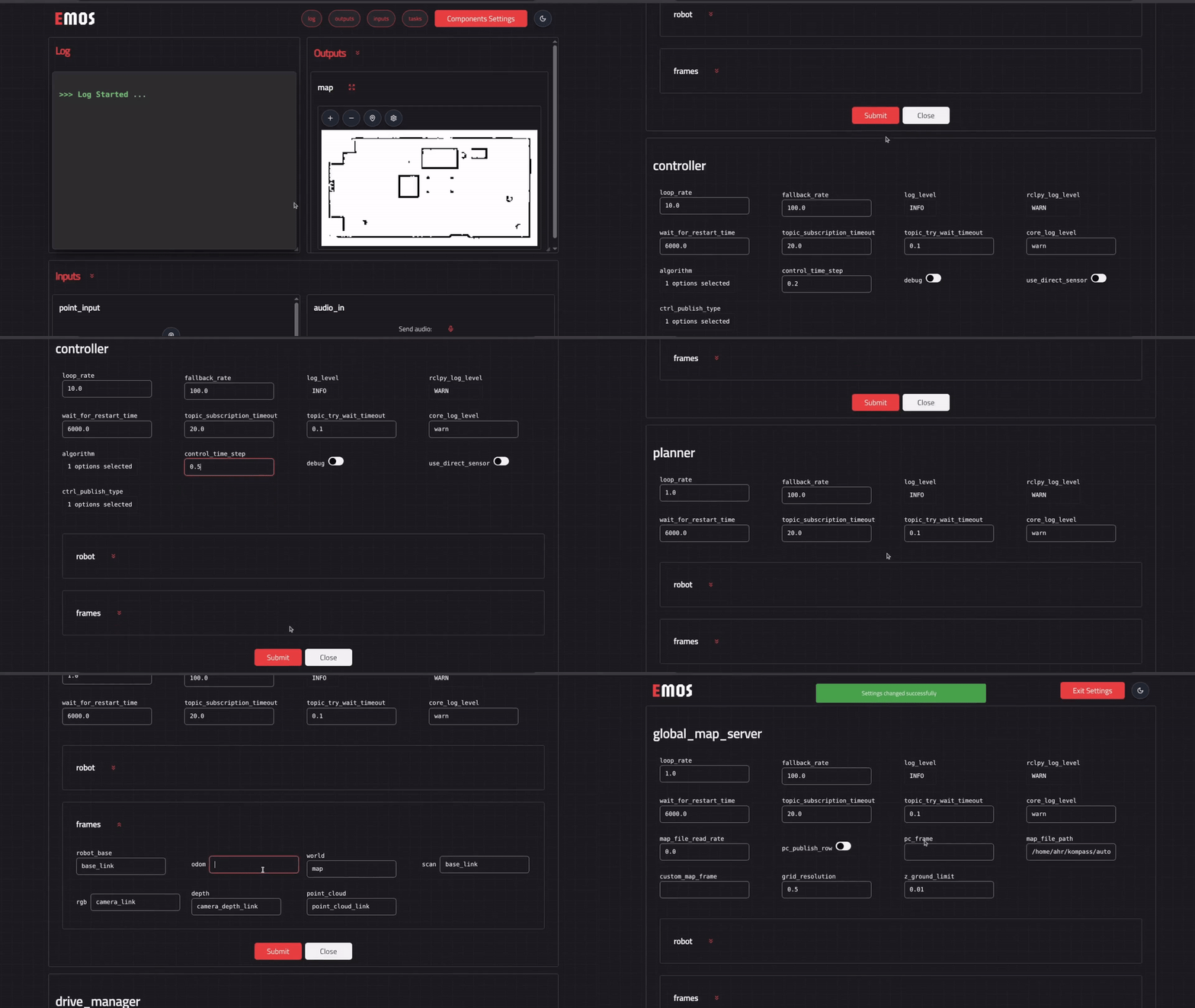
- {material-regular}`dashboard;1.2em;sd-text-primary` **Auto I/O Visualization** --
Automatically builds front-end controls and data visualizations for all defined UI `Inputs` and `Outputs`.
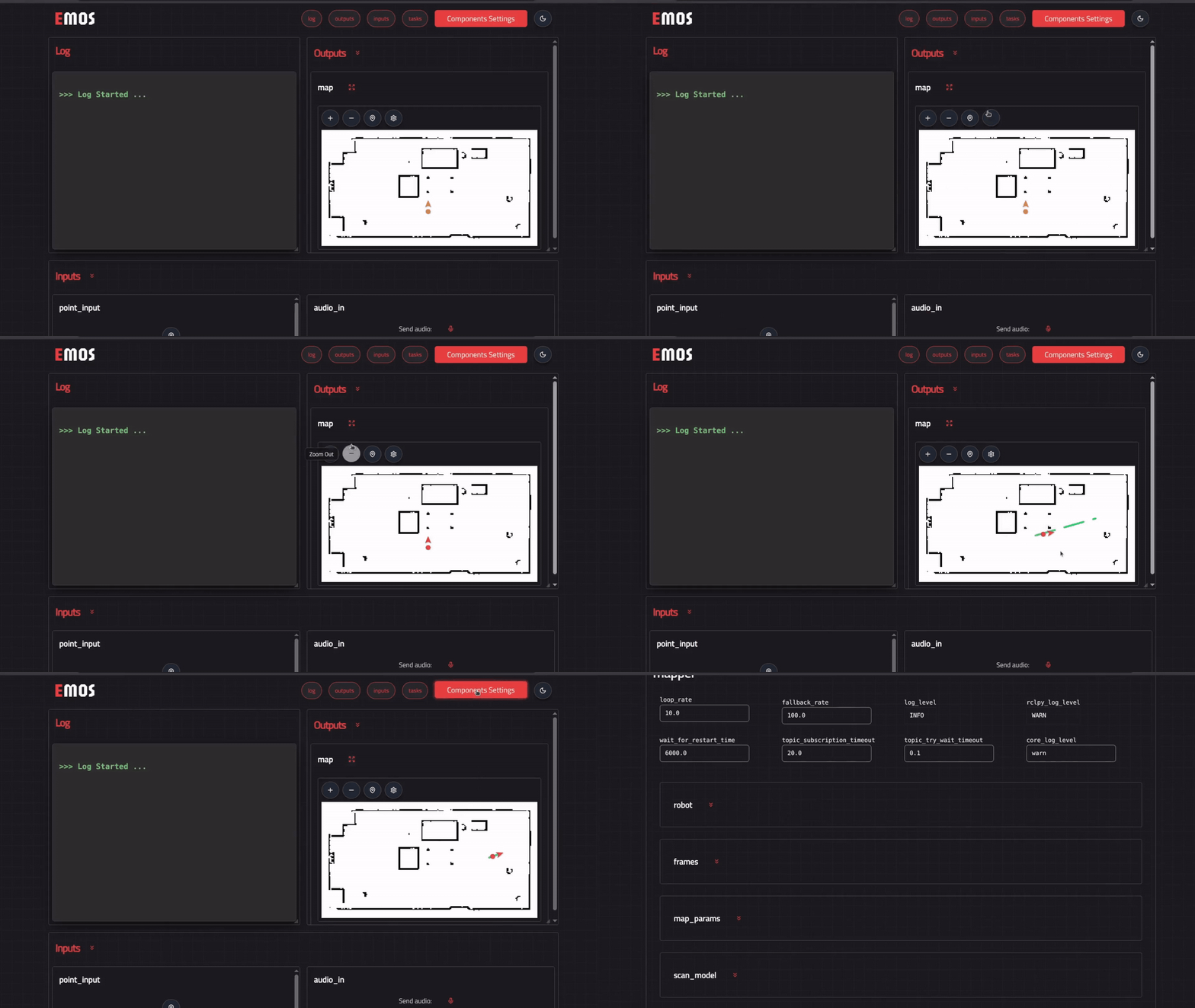
- {material-regular}`cable;1.2em;sd-text-primary` **WebSocket-Based Streaming** --
Provides bidirectional, low-latency communication for **text**, **image**, **map** and **audio** data streams.
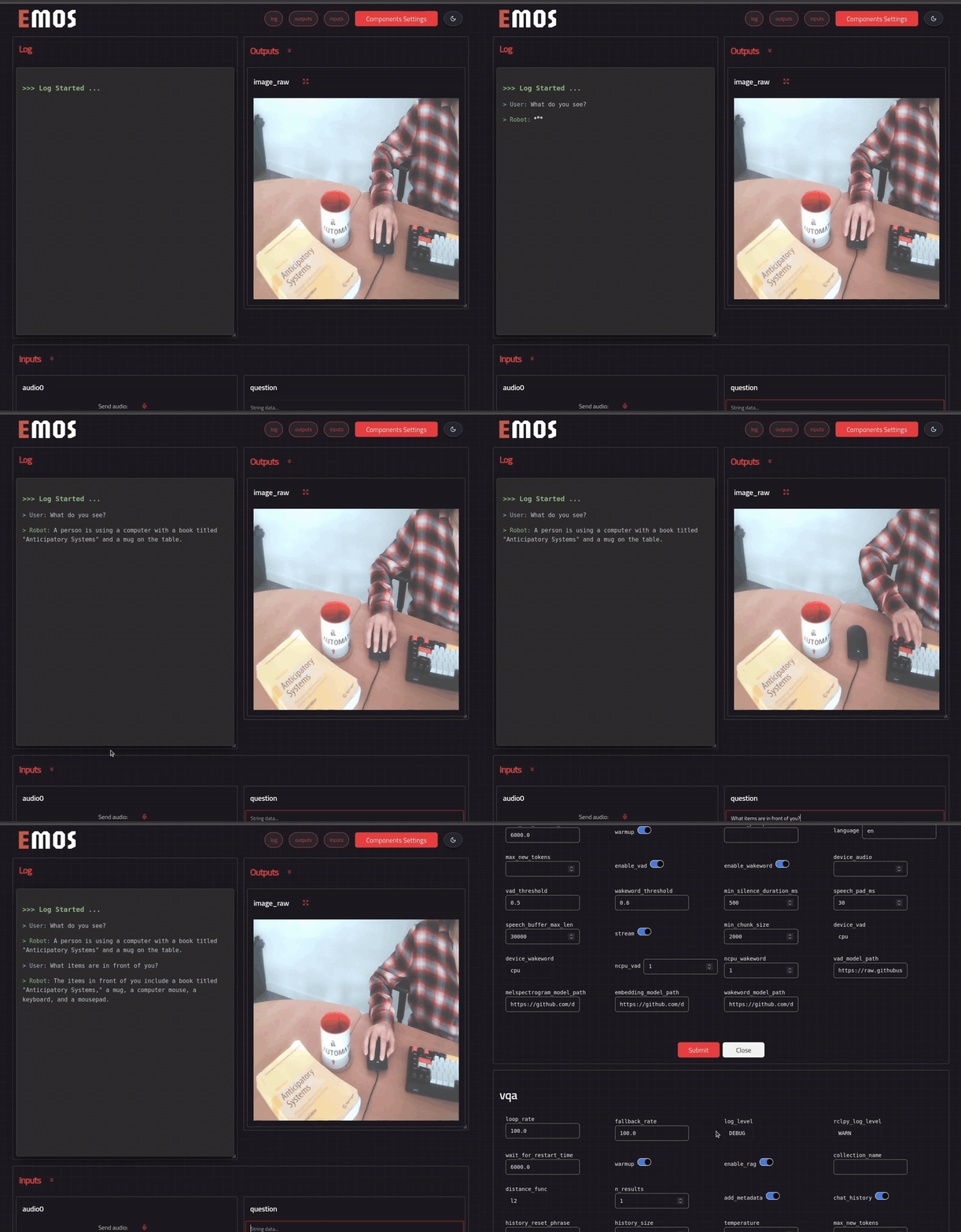
- {material-regular}`devices;1.2em;sd-text-primary` **Responsive Layouts** --
Uses grid-based, adaptive layouts for clear visualization of system elements, optimized for both desktop and mobile.
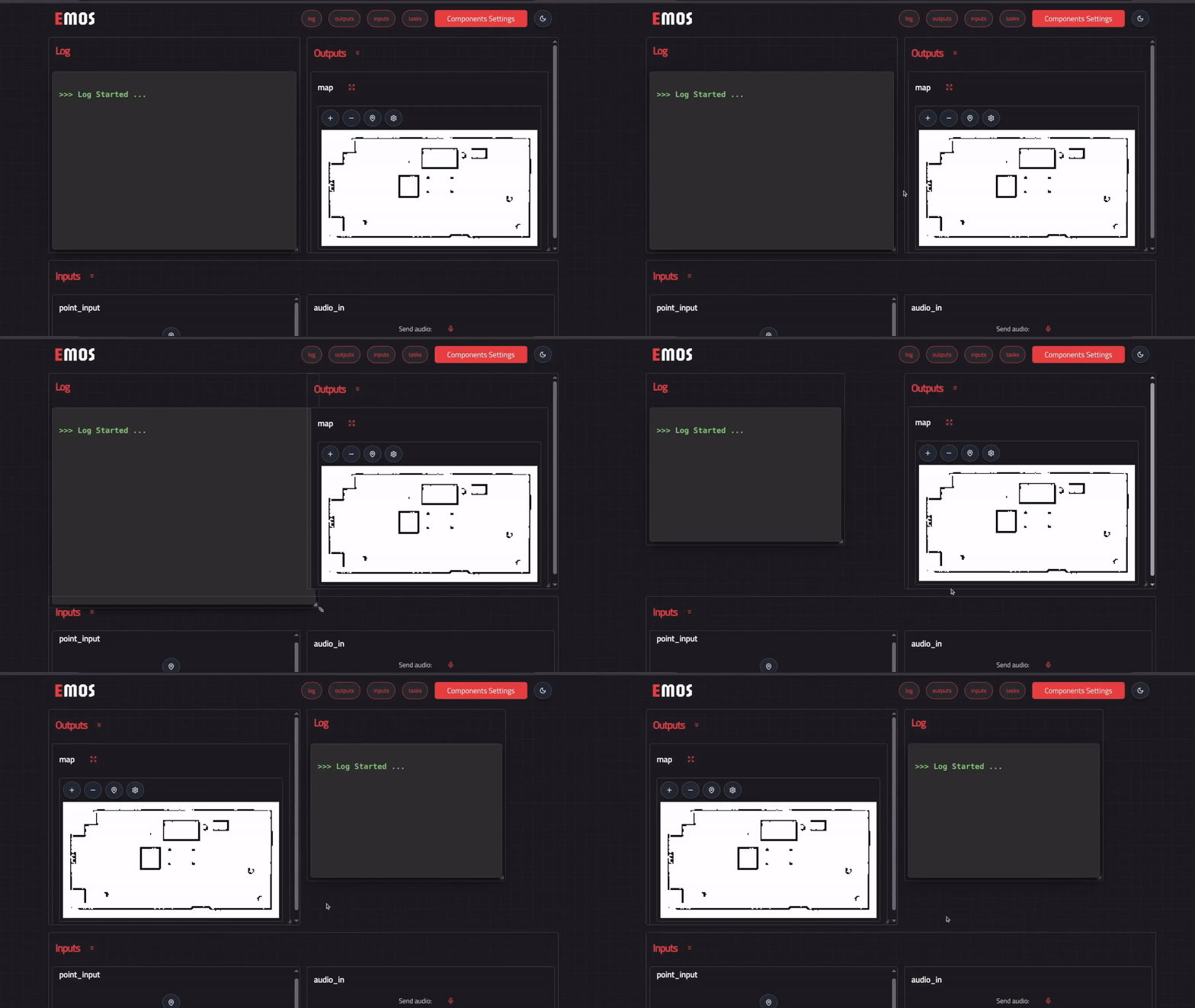
- {material-regular}`build;1.2em;sd-text-primary` **Extensible Design** --
Developers can extend the UI to support **custom message types**, **interactive widgets**, or **bespoke visualizations**.
---
## Automatic UI Generation in Action
The following example shows how to enable the Dynamic Web UI to automatically generate a fully functional, real-time interface for interacting with your EMOS recipe.
In the example below, we show how to enable the UI directly within a recipe to send and receive text messages, visualize detections, or stream live camera images from your robot -- all without writing a single line of front-end code.
For a complete, real-world example, see how a similar UI is used in the VLM agent recipe from [**EmbodiedAgents**](https://automatika-robotics.github.io/embodied-agents/).
### Step 1 -- Define Your Topics
Begin by declaring the topics that represent your system's **inputs** and **outputs**:
```python
from ros_sugar import Launcher
from ros_sugar.io import Topic
# Configure your Topics
image_topic = Topic(name="image_raw", msg_type="Image") # the robot camera topic
detections_topic = Topic(name="detections", msg_type="Detections")
text_query = Topic(name="question", msg_type="String")
text_answer = Topic(name="answer", msg_type="String")
```
### Step 2 -- Define Your Components and Initialize the Launcher
```python
# Configure your actual components here
# my_component_1 = ...
# my_component_2 = ...
launcher = Launcher()
# Add your configured components to the launcher
# launcher.add_pkg(
# package_name="my package",
# components=[my_component_1, my_component_2],
# multiprocessing=True,
# )
```
### Step 3 -- Enable the Web UI
Enable the Dynamic Web UI by calling the `enable_ui` method on your `Launcher` instance. In this example:
- {material-regular}`upload;1.2em;sd-text-success` The `text_query` topic is set as a UI **input**, allowing the user to send text messages (publish to ROS 2 topic) directly from the browser.
- {material-regular}`download;1.2em;sd-text-primary` The `text_answer` and `detections_topic` are UI **outputs**, meaning the UI automatically subscribes to these topics and displays messages in real time.
```python
launcher.enable_ui(
inputs=[text_query],
outputs=[text_answer, detections_topic],
)
# Bringup your recipe
launcher.bringup()
```
### Resulting Interface
When the recipe runs, a dynamic web interface like the one below is automatically generated -- ready to send, receive, and visualize data from your components.

:::{note}
The UI also automatically renders configuration panels for all registered components, allowing you to inspect and modify parameters in real time -- no manual UI setup required.
:::