
 EMOS
EMOS
Benchmarks
EMOS core navigation algorithms are implemented in modern C++ for maximum performance and efficiency. Designed with real-time robotics in mind, the system makes full use of multi-threaded CPU execution and GPU acceleration to parallelize compute-heavy tasks like planning, control, and map updates.
The GPU support in EMOS is built using SYCL. Unlike other solutions that rely on vendor-specific GPU APIs (e.g., CUDA for Nvidia), EMOS is the first navigation framework to support cross-GPU acceleration. This means it can target any SYCL-compliant GPU, including those from Nvidia, AMD, Intel, and others – without requiring device-specific modifications.
The following benchmarks compare the execution time and power efficiency of key navigation components – Motion Planning, Mapping, and Safety Checks – running on standard CPUs versus accelerated backends (NVIDIA CUDA and AMD ROCm).
Performance Charts
1. Speed Comparison (Logarithmic Scale)
The following chart compares the execution time of critical components.
Lower is better.
Note the Log Scale: The y-axis is logarithmic, meaning differences between bars represent orders of magnitude in speedup.
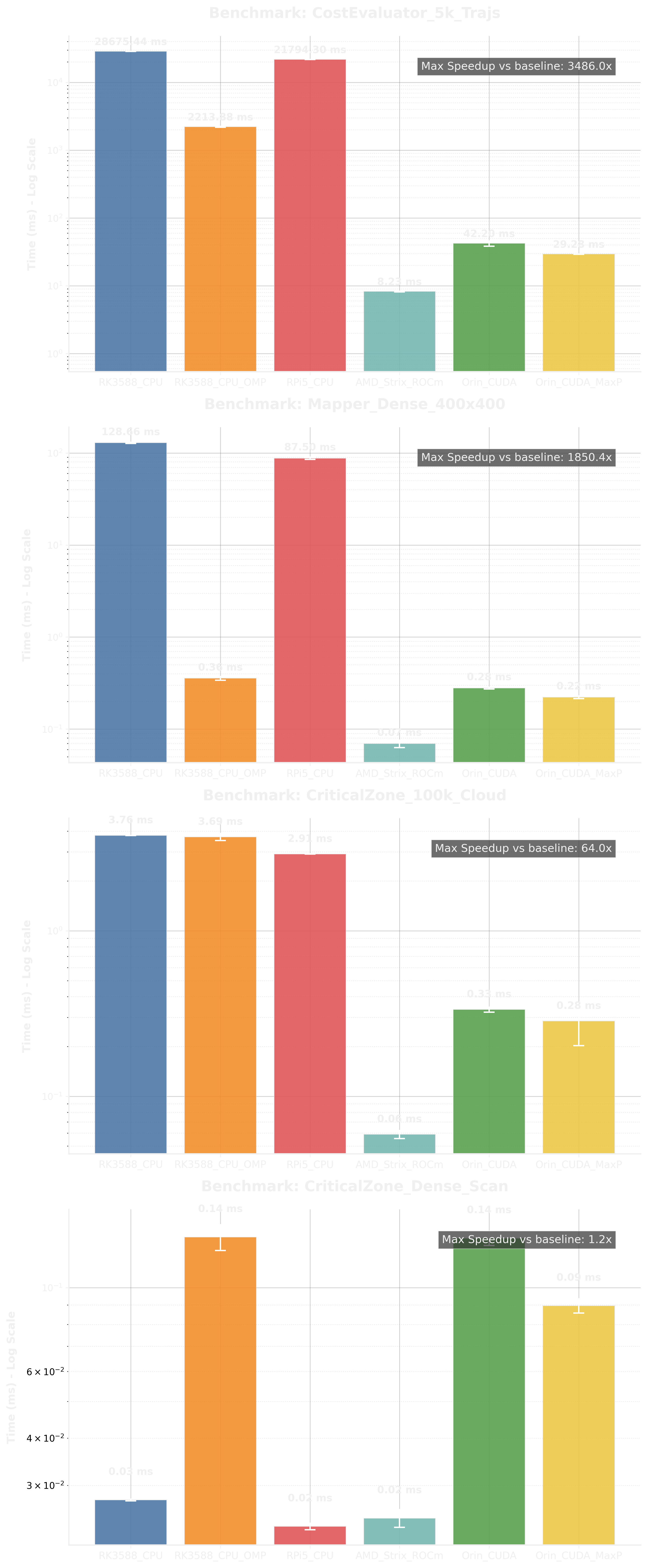
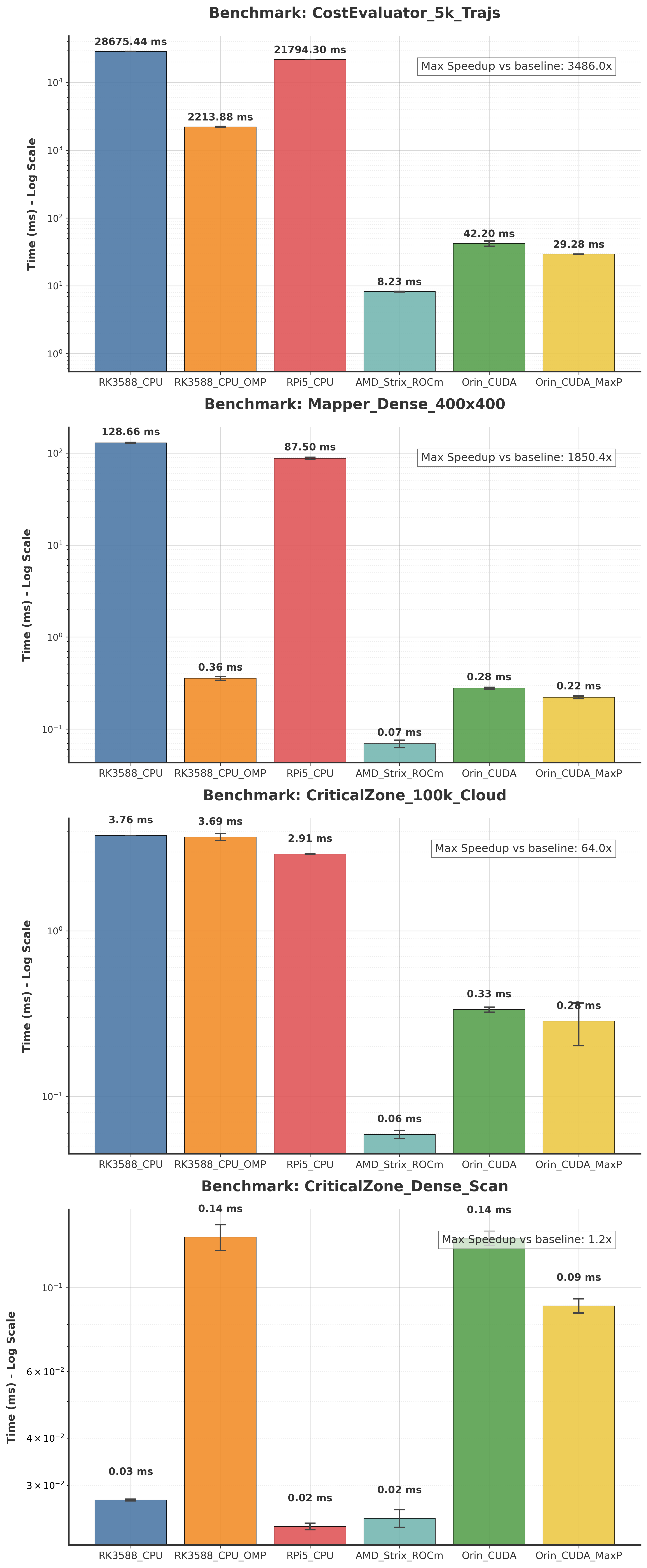
Logarithmic Benchmark Results
Note: This chart excludes runs where power monitoring was active to ensure timing accuracy.
2. Power Consumption and Efficiency
This chart highlights the energy efficiency of the accelerators.
Efficiency Metric: Operations per Joule (Throughput / Watts).
Higher is better.
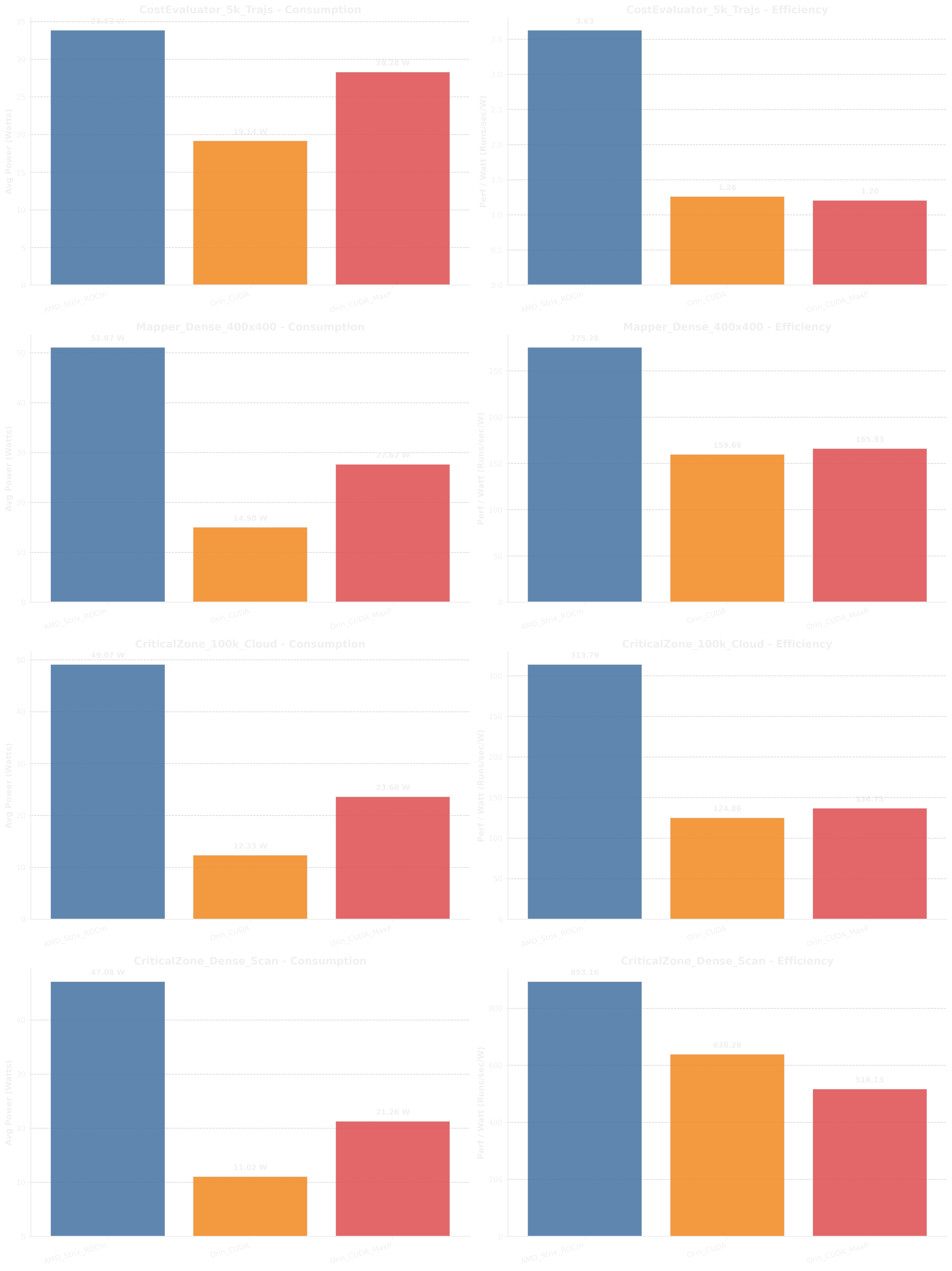
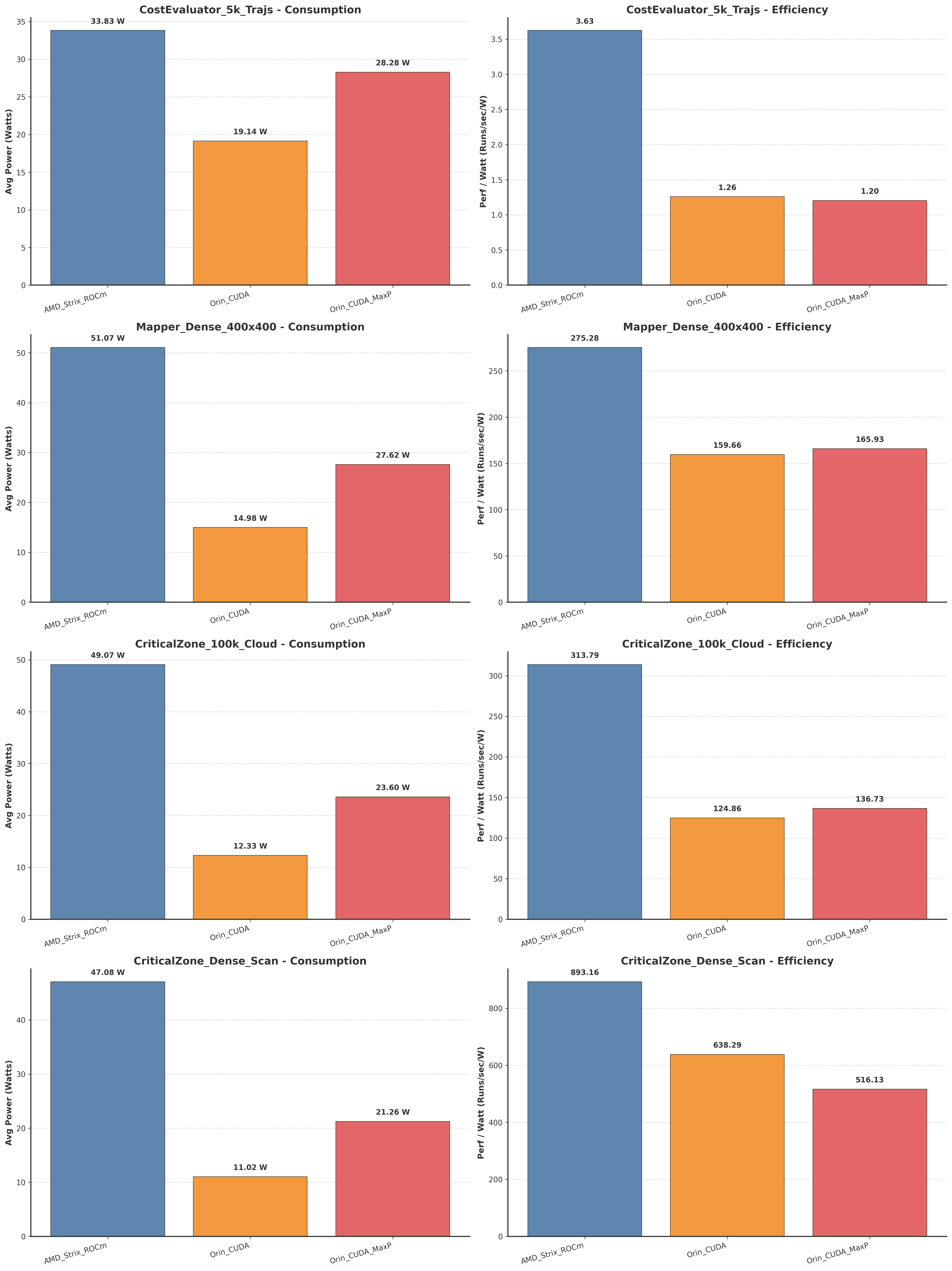
Linear Benchmark Results
Benchmark Methodology
The benchmarks are conducted using the kompass-core benchmarking suite.
EMOS Core implements the core General-Purpose GPU (GPGPU) kernels using SYCL. We utilize AdaptiveCpp for JIT compilation, allowing a “single-source-multiple-target” codebase that can be compiled for CPUs, NVIDIA GPUs, and AMD GPUs.
Evaluated Components
We benchmark three computationally intensive components of the navigation stack:
1. Cost Evaluator (Motion Planning)
Task: Evaluates 5,000 generated trajectories (\(10ms\) time step, \(10s\) horizon).
Complexity: Calculates costs based on reference path deviation, smoothness constraints, and obstacle proximity.
Stress Factor: Massive parallel trajectory rollout and reduction.
2. Local Mapper (Occupancy Grid)
Task: Raycasts a dense LiDAR scan (\(3,600\) points) into a \(400 \times 400\) grid (\(20m \times 20m\) @ \(5cm\) resolution).
Complexity: Updates occupancy probabilities for the entire grid using ray tracing.
Stress Factor: Random memory access patterns and heavy ray traversal.
3. Critical Zone Checker (Safety System)
Scenario A (PointCloud): Checks a dense 3D point cloud (\(100,000\) points) against the robot’s safety footprint.
Scenario B (LaserScan): Checks a high-res 2D laser scan (\(3,600\) rays) against a “slowdown” zone.
Metric: Latency to return a safety factor \(\in [0.0, 1.0]\).
Note: Scenario B is lightweight and highly optimized on CPU; GPU acceleration is typically reserved for the denser PointCloud scenario.
See also
Check how to run or reproduce these benchmarks on your own hardware using the standalone kompass_benchmark executable here.